PVC Chonker
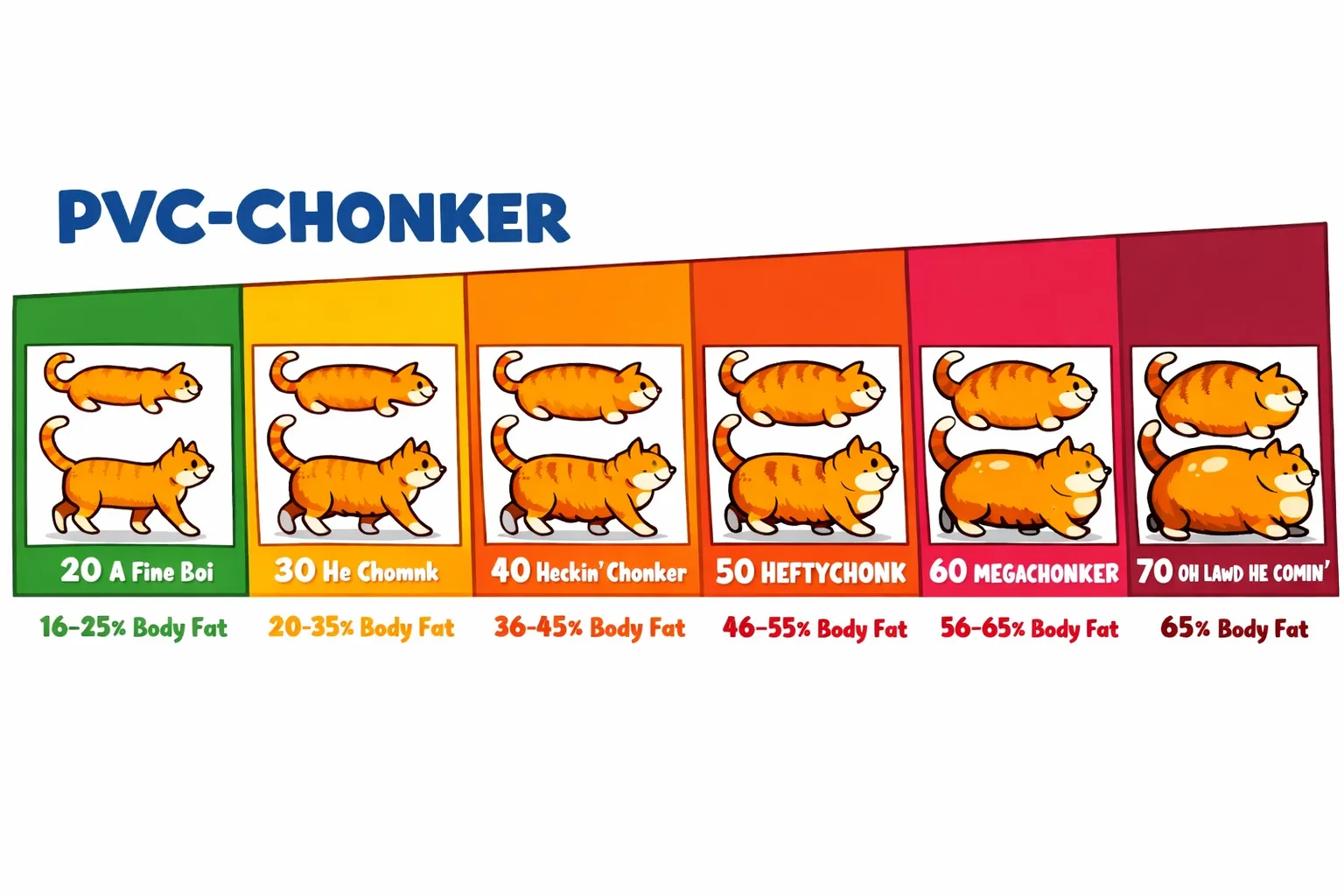
PVC Chonker is a cloud-agnostic Kubernetes operator for automatic PVC expansion. Works with any CSI-compatible storage without external dependencies.
What is PVC Chonker?
PVC Chonker automatically expands Persistent Volume Claims (PVCs) when they reach capacity thresholds, preventing storage-related outages and reducing manual intervention.
Key Features
- Cloud Agnostic - Works with any CSI-compatible storage
- No External Dependencies - Self-contained operation
- Annotation-Based - Simple configuration through Kubernetes annotations
- Policy-Based - Advanced configuration through PVCPolicy custom resources
- Safety Features - Cooldown protection and resize safety checks
- Inode Monitoring - Monitors both storage and inode usage
Why PVC Chonker?
Problems It Solves
- Storage Outages - Prevents applications from failing due to full disks
- Manual Intervention - Eliminates need for manual PVC expansion
- Capacity Planning - Reduces operational overhead of storage management
- Multi-Cloud - Works consistently across different cloud providers
Benefits
- Proactive - Expands before reaching 100% capacity
- Configurable - Flexible thresholds and expansion policies
- Safe - Built-in protections against rapid expansions
- Observable - Comprehensive metrics and logging
Quick Start
Installation
# Add Helm repository
helm repo add logiciq https://logiciq.github.io/helm-charts
helm repo update

# Install PVC Chonker
helm install pvc-chonker logiciq/pvc-chonker -n pvc-chonker-system --create-namespace
Basic Usage
Annotate your PVC to enable auto-expansion:
apiVersion: v1
kind: PersistentVolumeClaim
metadata:
  name: my-pvc
  annotations:
    pvc-chonker.io/enabled: "true"
    pvc-chonker.io/threshold: "80%"
    pvc-chonker.io/increase: "20%"
spec:
  accessModes: [ReadWriteOnce]
  storageClassName: your-expandable-storage-class
  resources:
    requests:
      storage: 10Gi
Core Concepts
Thresholds
- Storage Threshold - Percentage of storage used before expansion
- Inode Threshold - Percentage of inodes used before expansion
- Dual Monitoring - Expands when either threshold is reached
Expansion Policies
- Percentage-Based - Increase by percentage (e.g., "20%")
- Fixed Amount - Increase by fixed size (e.g., "5Gi")
- Minimum Scale-Up - Ensure meaningful increases
- Maximum Size - Prevent unlimited growth
Safety Features
- Cooldown Period - Prevents rapid successive expansions
- Resize Detection - Skips PVCs currently being resized
- Size Validation - Respects maximum size limits
Configuration Hierarchy
PVC Chonker uses a priority-based configuration system where settings are applied in the following order (highest to lowest priority):
1. PVC Annotations (Highest Priority)
Direct annotations on individual PVCs always take precedence:
apiVersion: v1
kind: PersistentVolumeClaim
metadata:
  name: my-pvc
  annotations:
    pvc-chonker.io/enabled: "true"     # Overrides all other settings
    pvc-chonker.io/threshold: "90%"     # Overrides policy/group/global
    pvc-chonker.io/increase: "50%"      # Overrides policy/group/global
spec:
  # ... PVC spec
2. PVCGroup Template (Medium-High Priority)
When a PVC matches a PVCGroup selector, group template settings apply:
apiVersion: pvc-chonker.io/v1alpha1
kind: PVCGroup
metadata:
  name: database-group
spec:
  selector:
    matchLabels:
      app: database
  template:
    enabled: true
    threshold: "80%"    # Applied if no PVC annotation
    increase: "25%"     # Applied if no PVC annotation
3. PVCPolicy Template (Medium Priority)
Namespace-scoped policies apply to matching PVCs:
apiVersion: pvc-chonker.io/v1alpha1
kind: PVCPolicy
metadata:
  name: default-policy
spec:
  selector:
    matchLabels:
      tier: storage
  template:
    enabled: true
    threshold: 75.0     # Applied if no annotation or group
    increase: "20%"     # Applied if no annotation or group
4. Global Configuration (Low Priority)
Operator-level defaults from flags/environment variables:
# Command line flags or environment variables
--default-threshold=70
--default-increase="15%"
--default-cooldown="10m"
5. Built-in Defaults (Lowest Priority)
Hardcoded fallback values when no other configuration exists:
enabled:falsethreshold:80%increase:10%cooldown:15mmin-scale-up:1Gi
Priority Resolution Example
Given this configuration:
# Global: threshold=70%, increase=15%
# PVCPolicy: threshold=75%, increase=20%
# PVCGroup: threshold=80%, increase=25%
# PVC Annotation: threshold=90%

# Final effective configuration:
# threshold: 90% (from PVC annotation - highest priority)
# increase: 25% (from PVCGroup - highest available)
# cooldown: 15m (from global default)
Key Points:
- PVC annotations always win
- PVCGroup templates override PVCPolicy templates
- Only specified fields override lower priorities
- Unspecified fields fall through to next priority level
Configuration Methods
1. Annotations (Simple)
Direct configuration on individual PVCs:
annotations:
  pvc-chonker.io/enabled: "true"
  pvc-chonker.io/threshold: "85%"
  pvc-chonker.io/increase: "25%"
2. PVCPolicy (Advanced)
Centralized policies for multiple PVCs:
apiVersion: pvc-chonker.io/v1alpha1
kind: PVCPolicy
metadata:
  name: database-policy
spec:
  selector:
    matchLabels:
      workload: database
  template:
    enabled: true
    threshold: 85.0
    increase: "25%"
3. PVCGroup (Coordinated)
Synchronized expansion across related PVCs:
apiVersion: pvc-chonker.io/v1alpha1
kind: PVCGroup
metadata:
  name: elasticsearch-cluster
spec:
  selector:
    matchLabels:
      app: elasticsearch
  coordinationPolicy: "largest"
Getting Started
- Installation Guide - Install PVC Chonker in your cluster
- Quick Start - Get up and running in 5 minutes
- Annotation Reference - Complete annotation documentation
- Configuration Examples - Real-world usage patterns
Use Cases
- Database Storage - Auto-expanding database volumes
- Log Storage - Managing log volume growth
- Application Data - General application storage
- Multi-Tenant - Policy-based tenant storage
Advanced Features
- Metrics & Monitoring - Prometheus metrics and alerting
- PVCPolicy - Advanced policy configuration
- PVCGroup - Coordinated expansion
- Troubleshooting - Common issues and solutions
Community
- GitHub: LogicIQ/pvc-chonker
- Issues: Report bugs and request features
- Discussions: Community discussions